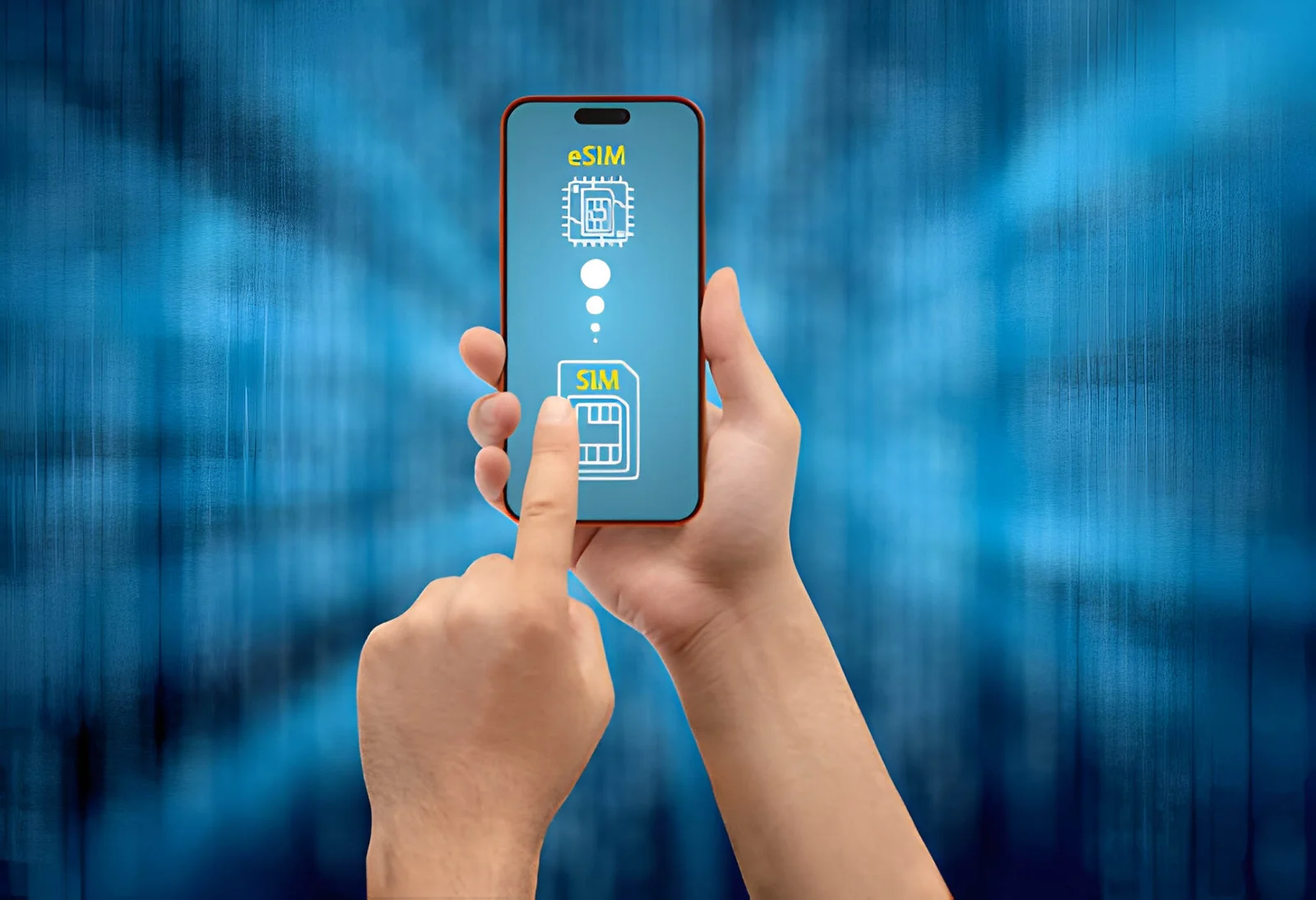

South Korea eSIM: Prepaid Plans, Unlimited Data & No Contract
5G on SK Telecom, KT & LG U+ | Instant QR delivery | No airport queues | 24/7 support
Same network. Lower price. Compare us.
Roami eSIM: Save up to 30% vs. leading competitors.
South Korea eSIM Data Plans: Compare Prepaid Prices Before You Fly
Selected Plan






Validity: Starts from your first data use, not from purchase.
Unlimited data comes with a Fair Use Policy (FUP): enjoy maximum speed up to your daily quota, then speed is reduced — but your connection never drops and you're never charged extra.
Fair use: Light plans 1 GB/day, Super plans 2 GB/day at maximum speed; after that, speed drops to 512 Kbps until it resets at midnight.
Special Discount on South Korea eSIM Plans
Use promo code web20 at checkout to get 20% OFF your order! Get the cheapest eSIM plan South Korea for your trip.
South Korea eSIM Coverage: Local Networks and 5G Guide
What's Included
-
Coverage Enjoy comprehensive 5G/4G coverage across South Korea — Seoul (5G up to 1.5 Gbps), Busan (5G), Incheon (5G), Daegu (5G), Daejeon (5G), and Jeju Island (4G/5G in urban areas). Stay connected at Myeongdong, Hongdae, Gangnam, Busan's Gamcheon Village, and along the KTX high-speed rail route. Your eSIM auto-connects to SK Telecom, KT, and LG U+ for the strongest signal.
-
Delivery Time Immediate delivery after purchase.
-
Hotspot No hotspot limits or constraints.
SK Telecom, KT & LG U+: South Korea eSIM Carrier Coverage
5G/4G/LTE Network
5G/4G/LTE Network
5G/4G/LTE Network
South Korea eSIM Setup and Activation: Checklist Before You Fly
- Check that your device supports eSIM — see the phone compatibility list.
- We recommend turning on the line after arriving in South Korea.
- Validity starts upon connection to a supported network.
- We email your QR code — keep an eye on your inbox.
- You can install multiple eSIMs simultaneously.
- Local tip: In South Korea, Naver Map and KakaoTalk are more widely used than Google Maps/WhatsApp. Download them before your trip — your eSIM data will keep you connected.
- See how South Korea ranks for mobile and broadband speed on the Ookla Speedtest Global Index.
- Learn how eSIM works from the GSMA; device setup steps are documented by Apple and its traveling with eSIM guide.
- Traveling on from South Korea? Prices for Senegal eSIM and Mongolia eSIM are worth comparing.
- Best eSIM for Seoul? The same South Korea plan also covers Busan and the rest of South Korea — no extra SIM needed.
- Need a South Korea eSIM with a phone number? Roami plans are data-only, so your home number stays active for calls and SMS while the eSIM handles the data.
- Travelling on to Japan? A regional plan keeps one eSIM working in both — no second SIM to buy.
South Korea eSIM Activation: Install It in Three Simple Steps
-
1
Step 1: Receive QR Code
Your QR code and step-by-step activation guide are sent to your inbox roughly 5 minutes after purchase. Do look in spam if it seems missing.
-
2
Step 2: Add eSIM to Phone
- Go to Settings > Cellular (or Mobile Data)
- Tap "Add Cellular Plan" or "Add eSIM"
- Scan the QR code with your camera
- Follow the prompts to complete setup
-
3
Step 3: Activate in South Korea
Upon arriving in South Korea, enable your South Korea eSIM in settings to start using data. We recommend connecting to WiFi during the initial activation.
What Makes Roami a Good Fit for South Korea: Prepaid Plans and Coverage
Instant QR Code
Get your South Korea eSIM QR code via email in 5 minutes
24/7 Support
24/7 support for your South Korea trip - real humans, not bots
100% Refund Guarantee
Full refund if your South Korea eSIM doesn't activate
Hotspot Supported
Share your South Korea data with travel companions, no limits
Auto-Switch
Auto-connects to SK Telecom, KT & LG U+ for the best signal
World's Fastest 5G
South Korea has the world's fastest 5G — up to 1.5 Gbps in Seoul
South Korea eSIM vs Local Prepaid SIM: Which Should You Choose?
Skip Incheon Airport Queues
Airport SIM counters can have 30–60 minute waits during peak arrivals (especially morning flights from Japan/China). Roami eSIM activates in 5 minutes — install on the plane and you're online the moment you land.
No Paperwork at the Counter
Local SIMs require passport photocopying and form filling (10–20 minutes). Roami's digital KYC takes 5 minutes online — no pens, no paper, no store visit.
Pay in Your Own Currency
Airport SIMs charge in KRW with poor exchange rates. Roami charges in USD with global payment methods — no foreign transaction fees on most cards.
5G Speeds Without Daily Caps
Some Korean prepaid plans throttle speed after 3GB/day usage. Roami offers full-speed 5G until your plan data is consumed — no daily limits, no sudden slow-downs.
Roami vs Airalo vs Holafly: eSIM Comparison
An honest look at how Roami compares with Airalo and Holafly — price, coverage and support at a glance.
| Feature | Roami | Airalo | Holafly |
|---|---|---|---|
| Free Trial | ✅ 100MB | ❌ | ❌ |
| Credit Card Required | ✅ No | Yes | Yes |
| Coverage | 200+ countries | 200+ countries | 200+ countries |
| Paid Plans from | $1.99 | $4.50 | $5.90 |
| Live Support | ✅ 24/7 | — | ✅ 24/7 |
South Korea eSIM FAQ: Speeds, Coverage and Activation Questions
Complete guide to eSIM internet speeds, network coverage, and connection quality for travelers in South Korea. Find out what speeds to expect and where eSIM works best.
-
How fast is 5G in South Korea? Can I get real numbers?
South Korea consistently ranks #1 globally for 5G speeds. Average 5G download speeds in Seoul range from 100–300 Mbps on KT and LG U+, while SK Telecom can reach up to 1.5 Gbps in optimal conditions. For comparison, the US average 5G speed is around 150–200 Mbps. Streaming K-dramas, video calls, and uploading photos will be seamless. Your Roami eSIM connects to all three networks automatically to give you the fastest available signal. -
Do I need to show my passport or register my ID for a South Korea eSIM?
South Korea law requires identity verification for all mobile services, including prepaid SIMs. However, with Roami’s eSIM (a data-only travel plan), the registration process is fully digital and takes 5–10 minutes — no airport queues, no passport photos, no Korean paperwork. Local prepaid SIMs at Incheon Airport require passport presentation, forms, and often have limited operating hours. Roami lets you complete everything online before you depart. -
Will Google Maps work in South Korea? I heard it's limited.
Important nuance: Google Maps works for transit (subway/bus directions) and general map viewing in South Korea, but real-time walking navigation and driving directions are restricted due to local data laws. For walking/driving, download Naver Map (Korean) or Kakao Map (has English support) — both are free and offer much better local navigation. With Roami’s high-speed data, both apps load instantly. We recommend downloading these before you arrive. -
I'm going to a K-pop concert / music festival in Seoul. Will the network handle the crowd?
Yes — but with a note. South Korea’s 5G infrastructure is among the world’s most dense, but large events (e.g., Gocheok Sky Dome, Jamsil Stadium) can temporarily congest local towers. SK Telecom and KT deploy temporary mobile base stations (COWs) for major concerts. For the best experience: install your eSIM before the event, switch to 4G/LTE if 5G feels slow (crowds often saturate 5G first), and use KakaoTalk instead of SMS to message friends (it uses data and works better in crowds). -
How is the eSIM coverage on the KTX high-speed train (Seoul to Busan)?
Excellent. SK Telecom and KT have dedicated infrastructure along the KTX route, with consistent 5G/4G coverage for most of the 2.5-hour journey (tunnels are the only brief dead zones). You can stream content, work, or video call without interruption. Roami auto-switches between carriers to maintain the strongest signal as the train moves. -
Is eSIM cheaper than buying a local SIM at Incheon Airport?
Yes — and significantly more convenient. Airport SIMs (SKT/KT) typically cost ₩30,000–50,000 ($22–38 USD) for 5–10GB with limited validity. Roami’s 5GB/15-day plan costs $4.99 — roughly 70-80% cheaper. You also avoid: (1) queuing at the airport counter, (2) filling out Korean forms, (3) passport photocopying, and (4) the counter being closed when you arrive late at night. -
Can I buy a South Korea eSIM at the last minute, right before my flight?
Yes — the QR code is delivered by email within minutes of purchase. You can buy it at the airport gate and install it on the plane using WiFi. When you land in South Korea, just enable Data Roaming and you’ll be online immediately — no need to hunt for a SIM counter at Incheon at 11 PM. -
When does the validity period of my South Korea eSIM start?
The plan validity starts when you connect to a local network in South Korea, not when you buy or install it. So you can purchase and install weeks before your trip without losing any plan days. A 7-day plan gives you 7 full days from first connection. -
Is the South Korea unlimited plan really unlimited, or does it slow down?
Roami’s unlimited South Korea plans give you high-speed data for the full validity period with no daily caps. Everyday use — maps, messaging, social media and video calls — runs at normal speed throughout, so you can stream and share without watching a data counter. -
What is the cheapest South Korea eSIM option for a few days?
For a short trip, a 3- or 7-day plan from $1.99 is the best value. You are not paying for unused days, and there is no contract to cancel. Roami’s cheapest plans still include the same SK Telecom and KT coverage as the longest ones. -
How do I know whether my phone supports a South Korea eSIM?
eSIM needs both an unlocked handset and the right hardware. iPhones from XS onward, Pixels from 3 onward and recent Samsung Galaxy devices all work. Dial *#06# to reveal an EID; if it shows, you are set. The South Korea eSIM compatibility page lists every supported model.