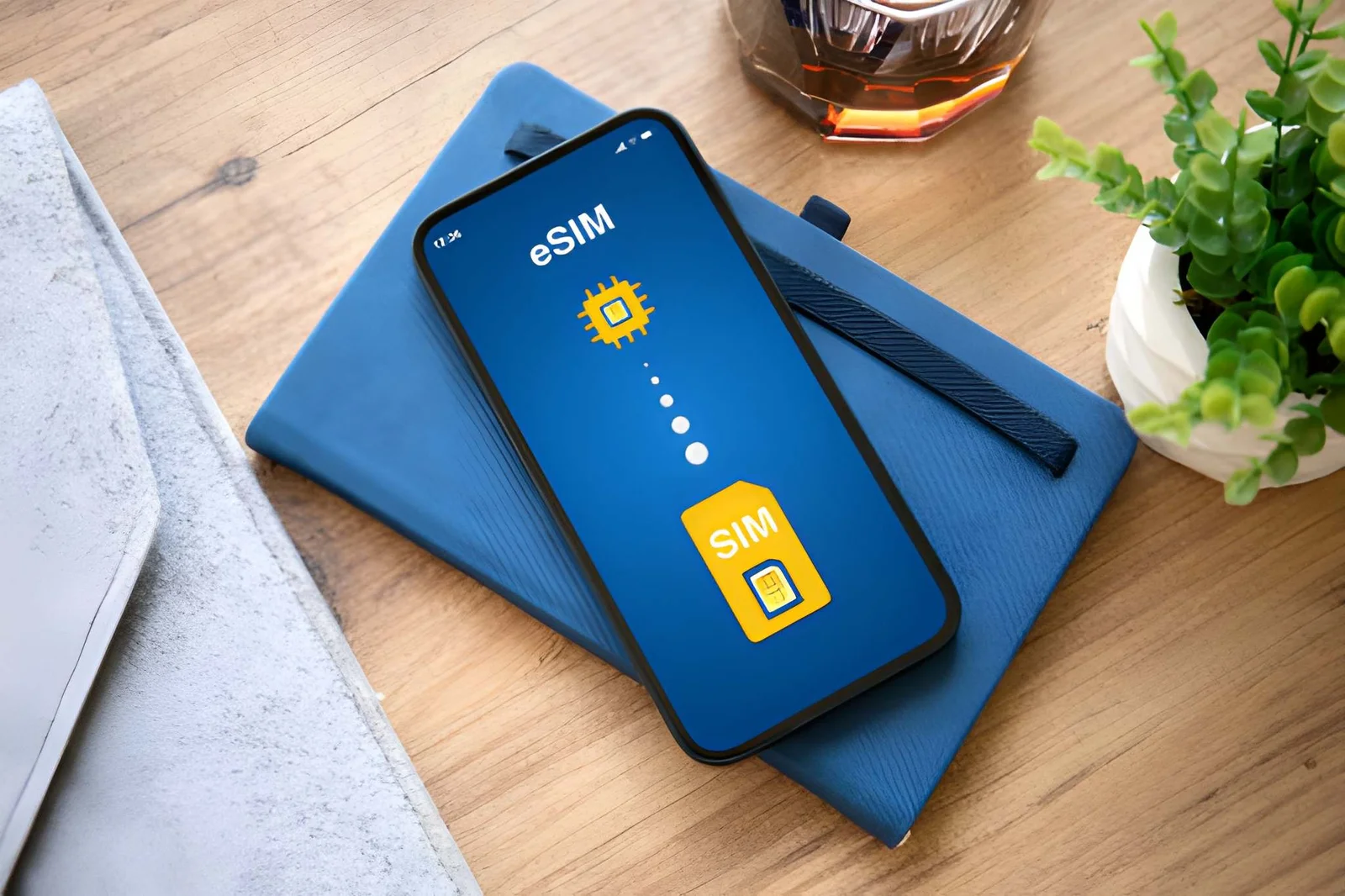

Moldova eSIM: Instant Connectivity for Worry-Free Travel
No hidden fees | Worry-free internet | 24/7 support - the best prepaid eSIM for Moldova travelers
Same network. Lower price. Compare us.
Roami eSIM: Save up to 30% vs. leading competitors.
Buy Moldova eSIM: Plans for Every Trip Duration
Selected Plan






Validity: Starts from your first data use, not from purchase.
Unlimited data comes with a Fair Use Policy (FUP): enjoy maximum speed up to your daily quota, then speed is reduced — but your connection never drops and you're never charged extra.
Fair use: Light plans 1 GB/day, Super plans 2 GB/day at maximum speed; after that, speed drops to 512 Kbps until it resets at midnight.
Moldova eSIM Special Discount!
Use promo code web20 at checkout to get 20% OFF your order!
Moldova eSIM Coverage: Carrier Guide & Coverage Map
Service Details
-
Coverage Enjoy comprehensive network coverage across Moldova, including Chișinău (4G), Bălți (4G), Tiraspol (4G), Cahul (4G). Your eSIM connects to the robust networks of Orange Moldova, Moldcell, Moldtelecom, ensuring stable signals in urban centers, tourist hotspots, and along major transportation routes.
-
Delivery Time Immediate delivery after purchase.
-
Hotspot No hotspot limits or constraints.
Orange Moldova, Moldcell & Moldtelecom: Moldova eSIM Carrier Coverage
5G/4G/LTE Network
5G/4G/LTE Network
5G/4G/LTE Network
Moldova eSIM Setup Tips: What to Know Before You Go
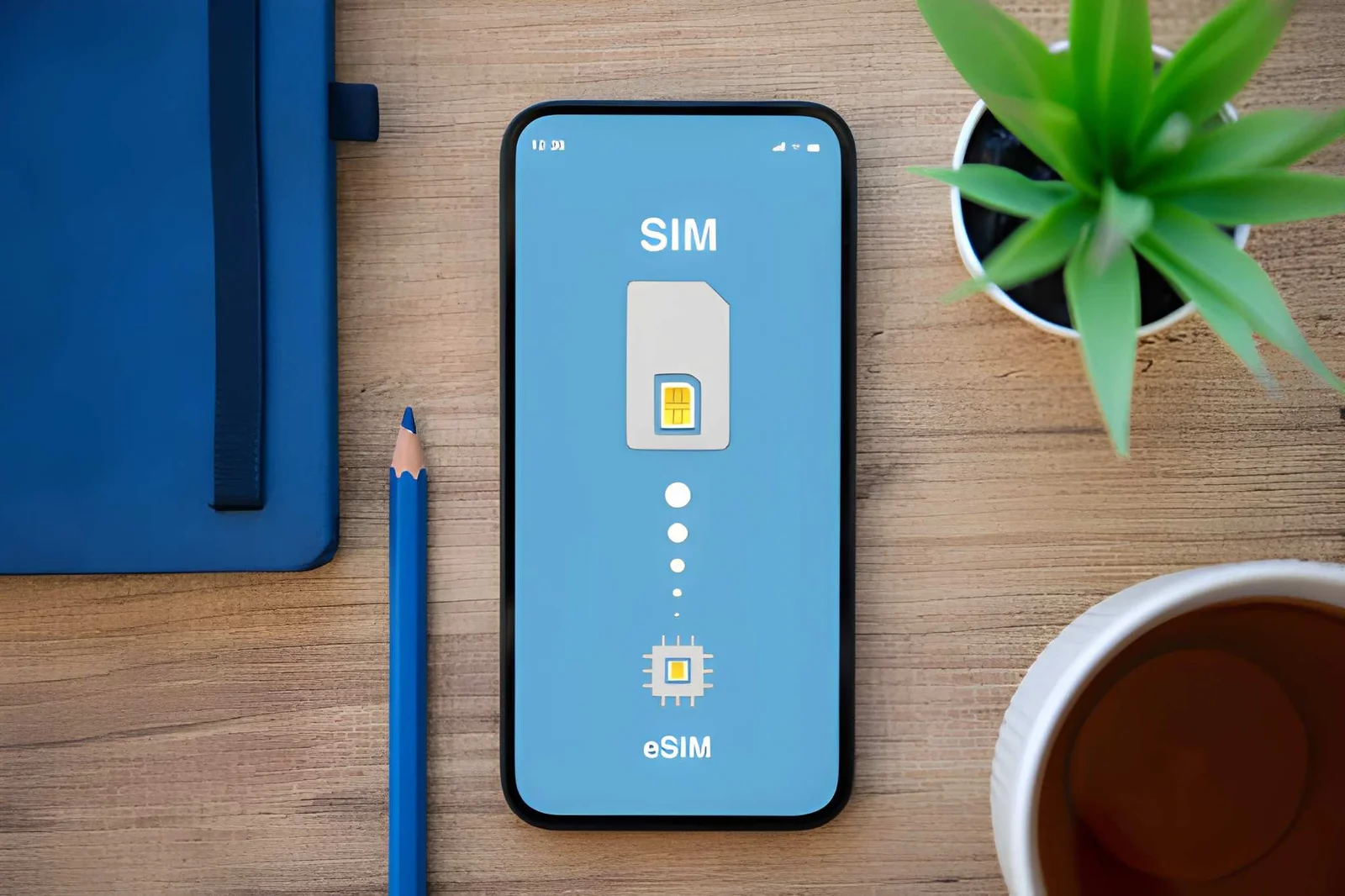
- Ensure your phone is eSIM compatible before buying.
- We recommend turning on the line after arriving in Moldova.
- Validity starts upon connection to a supported network.
- The QR code will be sent to your email.
- You can install multiple eSIMs simultaneously.
How to Install Moldova eSIM: 3 Simple Steps
-
1
Step 1: Receive QR Code
After payment, a QR code and activation guide will be sent to your email within 5 minutes. Please check your spam folder if you don’t see it.
-
2
Step 2: Add eSIM to Phone
- Go to Settings > Cellular (or Mobile Data)
- Tap "Add Cellular Plan" or "Add eSIM"
- Scan the QR code with your camera
- Follow the prompts to complete setup
-
3
Step 3: Activate in Moldova
Upon arriving in Moldova, enable your Moldova eSIM in settings to start using data. We recommend connecting to WiFi during the initial activation.
Why Moldova Travelers Choose Roami: Coverage, Speed & Service
Instant QR Code
Get your Moldova eSIM QR code via email in 5 minutes
24/7 Support
24/7 support for your Moldova trip - real humans, not bots
Not Available
100% refund if your Moldova eSIM doesn't activate
Hotspot Supported
Share your Moldova data with travel companions, no limits
No Contracts
No contracts, cancel anytime - perfect for Moldova trips
Auto-Switch
Auto-connects to top Moldova carriers for the best signal
eSIM for Travelers in Moldova -- Network Speeds, Coverage and Tips
Complete guide to eSIM internet speeds, network coverage, and connection quality for travelers in Moldova. Find out what speeds to expect and where eSIM works best.
-
For a tourist in Moldova, is Orange or Moldcell the better choice?
Orange and Moldcell cover Moldova’s mobile market. Orange serves roughly 60% of mobile users with the fastest urban data speeds. Moldcell reaches more remote areas, with about 10% broader geographic coverage. Moldova is primarily 4G with coverage in major cities. With Roami, you get the best of both — automatic switching. -
Do I need a passport or ID to use eSIM in Moldova? How does the verification work?
Yes, Moldova requires identity verification for eSIM. Moldova requires KYC verification for prepaid SIM cards. Passport required. Many travelers learn this only after arriving, then struggle with airport WiFi while waiting for approval. Complete verification before you go — it takes about 5-10 minutes. Also, some phones work better with Orange’s network than others — check our eSIM compatibility page. -
I need internet access for just a couple of days in Moldova. What's the minimum I can buy?
The cheapest plan is $1.99 for 7 days with 1GB — perfect for a short weekend trip with light usage. If you need more, top-up anytime from the app. -
Can I use navigation apps like Google Maps with eSIM in Moldova?
Yes — Google Maps uses about 5MB per hour for navigation with real-time traffic. Download offline maps for Moldova (about 200-500MB per city) before you go as a backup. -
How many eSIM profiles can I store on my phone for traveling to Moldova?
Most phones store 5-10 eSIM profiles. You can keep your Moldova eSIM alongside your home SIM and other country profiles. Just activate the one you need and deactivate others. Switching between them takes about 10 seconds in your phone settings. -
How does eSIM compare to pocket WiFi for Moldova travel?
eSIM wins on convenience. No device to carry, charge, or return at the end of your trip — saves about $3-5 per day compared to pocket WiFi rental. Pocket WiFi works for groups of 3+, but you’re tied to one device and need to keep it charged for 6-8 hours. With eSIM, your phone is your hotspot. All Roami plans include free hotspot sharing for up to 5 devices. -
What happens if my Moldova eSIM stops working mid-trip?
First, try restarting your phone and enabling Data Roaming. Most issues resolve within 2 minutes. If not, manually select a carrier in network settings. Roami 24/7 support can help if problems persist. -
Will my eSIM in Moldova work for video calls and remote work?
Absolutely. Orange networks provide stable connections for Zoom, Teams, and Google Meet. For remote work, a 10GB or unlimited plan is recommended. The eSIM also supports hotspot sharing for your laptop.